
Cubiclark
A local view of live Claude Code agents, read from transcripts and, optionally, from a small hooks collector.
npx cubiclarkNode 22.12 or later; developed and tested on macOSVersion 0.1.0Release notes
At a glance
- Requires
- Node.js 22.12 or later
- Tested on
- Developed and tested on macOS. Linux is tested in CI from the first public run, and Windows is untested
- Licence
- MIT, free to use
- Network
- Serves only on 127.0.0.1, never calls a model and never sends anything off the machine
- What it reads
- Claude Code’s transcripts, and its own hook events only if you run cubiclark hooks on
- Your settings
- Unchanged, unless you run cubiclark hooks on, which adds a collector to Claude Code’s settings.json
- Telemetry
- None, because nothing leaves your machine
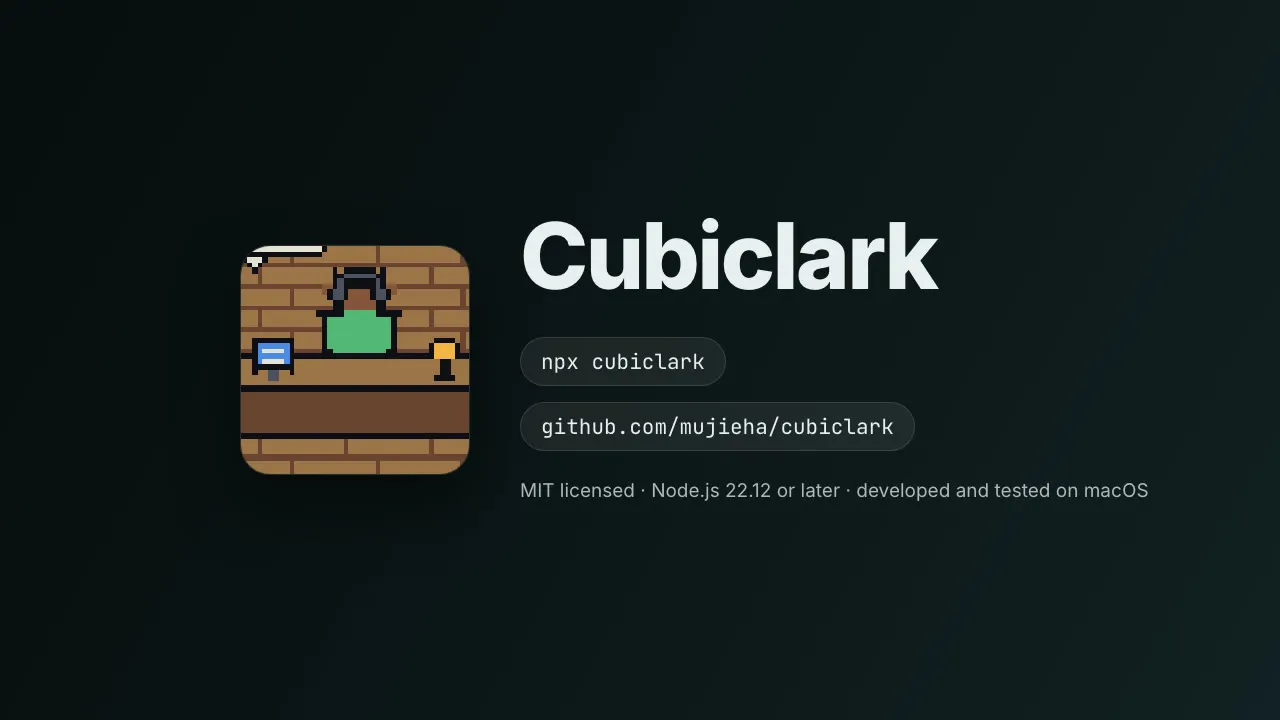
Cubiclark is a tool for people who run Claude Code. It shows your sessions,
background workers and subagents as characters in a pixel-art office. Every agent sits at a desk, and what it is doing shows in its
pose, its speech bubble and its desk lamp. Beside the office, a terminal-style
panel shows the selected agent, the session log, and how the work is organised:
tasks and their timelines, and the quota. A plain list of the same agents is one
click away, and cubiclark tui shows them as text in your terminal instead,
with no server, no port and no browser.
Morty, the office corgi, is there just for fun. He is not an agent and is never counted, and you can turn him off.
Two ways to see agents
Transcripts only needs nothing installed. Cubiclark tails Claude Code’s own transcript files and changes no settings at all. It cannot see a permission prompt, a compaction in progress, or the moment a session ends.
With hooks is live and precise. cubiclark hooks on adds a small collector
to Claude Code’s user settings.json, keeping a backup of the original, and
Claude Code then tells Cubiclark about session starts and ends, prompts, tool
calls, permission requests, compactions, failures and subagents as they
happen. cubiclark hooks off removes it again.
Optional adapters, off until ~/.cubiclark/config.json names them, read how
your work is organised: task folders, quota samples, and the output of the
local claude agents command, which calls no model.
What goes over the network
Nothing leaves your machine. Cubiclark runs entirely on 127.0.0.1, never
calls a model and never sends anything off the machine. It prints one link and
opens it in your browser; the link works once, in one browser, and your browser
trades it for a session cookie.
SECURITY.md
says plainly what that protects and what it does not. Another local account
that reads the link before your browser uses it can use it first, once, and
browsers send the cookie to every server on 127.0.0.1, whatever its port, so
another local account running a server on a port you open while Cubiclark runs
would receive it and could read what the page shows.
What the collector keeps
One line per event in ~/.cubiclark/events.jsonl: the event name, a time, ids,
and a reduced target, which is a file’s basename, a command’s first word or a
URL’s host. It never stores prompt text, tool input or output, error text or
assistant text. The working directory is the one full path it keeps, so that
file is private data: do not share it. A command’s first word is filtered by
shape, not verified, so a secret that does not look like a credential and is
typed where a command goes would still be stored. cubiclark hooks on --no-tools records no tool activity at all.
Limits worth knowing
- Without hooks the permission wait is a guess, and compacting and ended are never shown. With hooks, an approved permission still reads “waiting for permission” until the tool finishes.
- Claude Code’s transcript format is not documented. Cubiclark is pinned to
2.1.285 and its hook events were checked against 2.1.288; a line it does not
recognise is counted, never guessed at, and
cubiclark doctorsays which version you run. - Developed and tested on macOS. Linux is tested in CI from the first public run, on a job that skips the screenshot comparisons, so until one has run it is untested. Windows is untested.
Install
npx cubiclark
npm install -g cubiclark
It needs Node.js 22.12 or later. The first command runs it once without
installing it; the second installs the cubiclark command. With no transcripts
yet and no collector installed, the page shows a setup screen that explains the
two ways of seeing agents instead of an empty office.
Source code: github.com/mujieha/cubiclark